

What's new
What each update makes better for you.
Schedule a note reminder from Agenda or the calendar sidebar, then see it alongside your events.
New onboarding tasks guide you through the app you are using, with updated screenshots and shared progress.
Empi makes room for accepted meetings by moving overlapping automatic task blocks into free time on the same day.
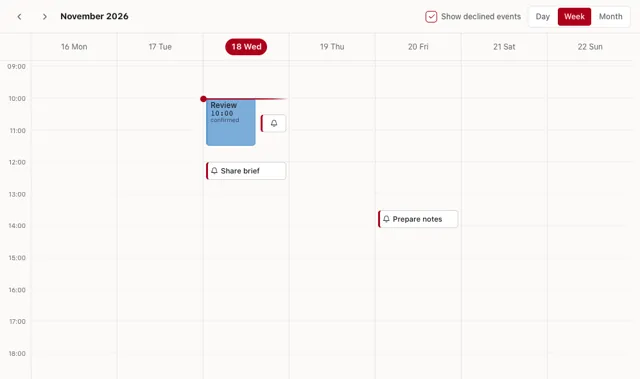
Note reminders in the Agenda week view. Your next meeting, task or commute can take priority before it starts, with a preparation window you can adjust.
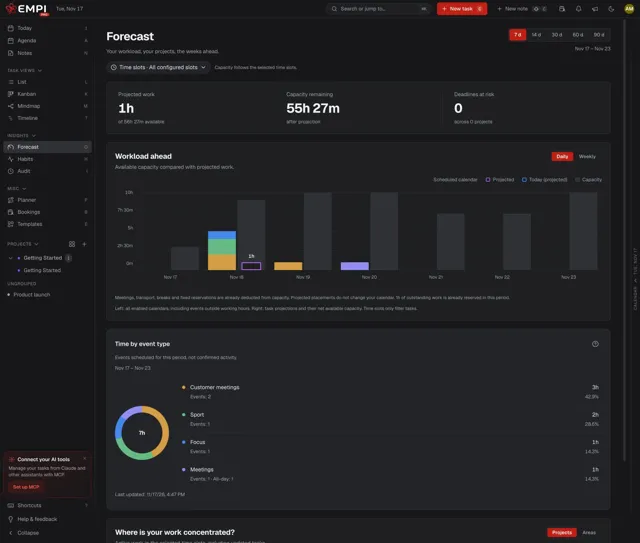
See which calendars contribute to each event type, with cleaner chart tooltips and totals limited to calendars enabled for scheduling.
Choose which booking types a shared group link can offer, even when priority and standard types live together.
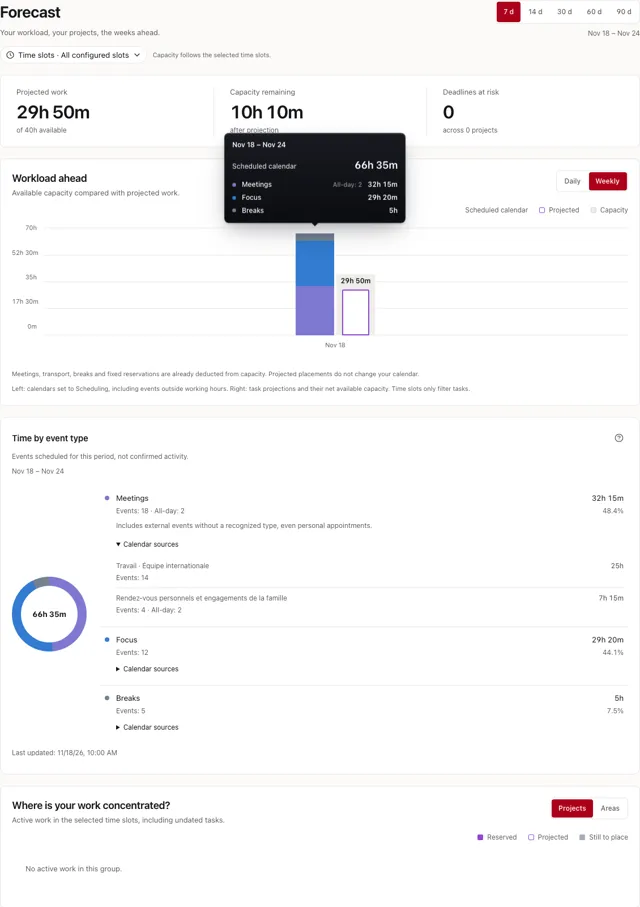
Expand Calendar sources to see the duration and event count from each calendar. Forecast now shows meetings and other scheduled events by type, alongside projected tasks.
Daily load, deadlines, and weekly capacity now stay in Morning.
Keep text, checklists, recordings, drawings and imports together, with softer cards and clearer audio playback.
Today's deadlines and overdue tasks stay visible on the Today icon when the sidebar is collapsed.
See duration, frequency and weekly patterns by calendar type after your planning habits, with event types preserved in daily details.
The event-type menu now opens outside the event card, so its options stay visible.
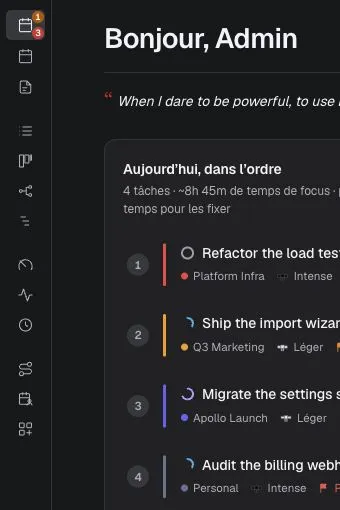
Separate deadline counts remain visible while navigation is collapsed. Insert the current date and time without leaving the editor.
Quickly show or hide related calendars from the Agenda sidebar using your existing time slots.
See your full deadline outlook and open the matching tasks straight from Today.
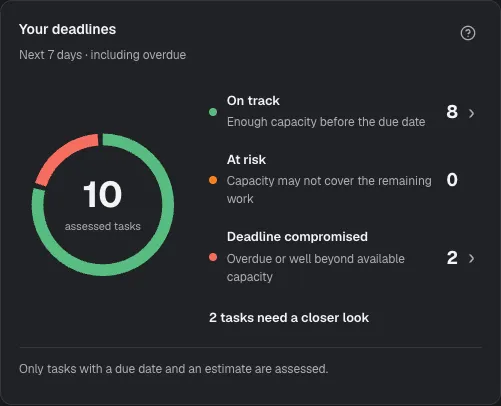
Select a segment or a category with tasks to open the matching list. Share your booking page, groups, and meeting types directly from Empi’s menu bar.
Drag bookings to a new time and edit them with the same conferencing, guest and notification controls as other events.
Keep a numeric percentage beyond 100%, understand the bar colors, and see when a task needs a larger estimate to be planned again.
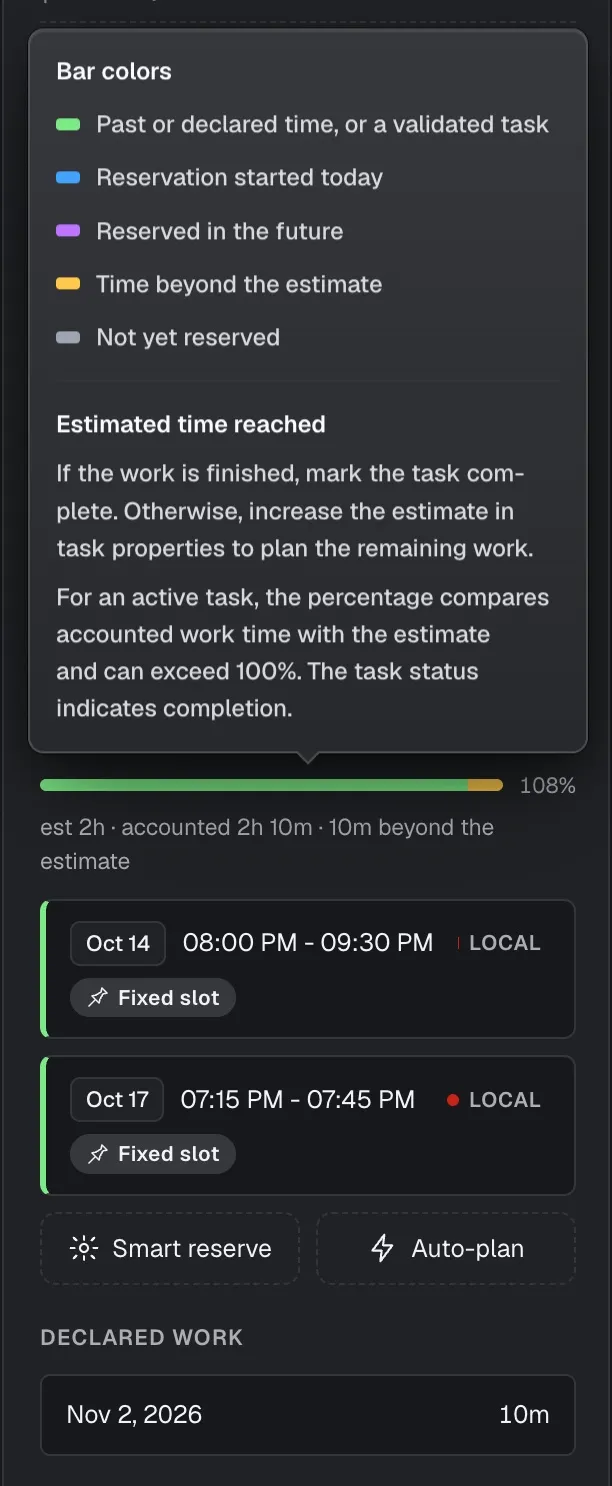
Two hours and ten minutes accounted against a two-hour estimate shows 108%. The task remains in progress. Suggest improvements, vote for community ideas, and contact support without leaving Empi.
Sign in and set up Empi without an extra statistics preference.
Keep a meeting on your calendar without reserving travel time when you do not need it.
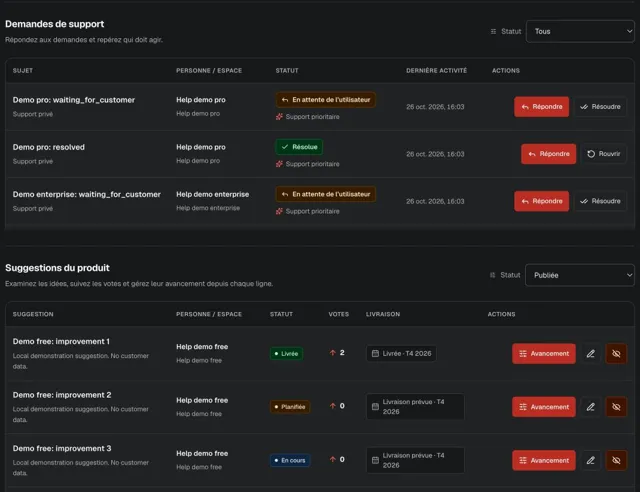
The support team manages requests and suggestions in separate queues with clear statuses and explicit confirmations. Isolated demonstration data. Discover the latest improvements without leaving Empi, and revisit earlier updates whenever you need them.
Open Empi’s terms, privacy policy and legal notice from sign-in or Settings.
Browse updates by date, explore New, Improved and Fixed sections, and jump straight to what matters.
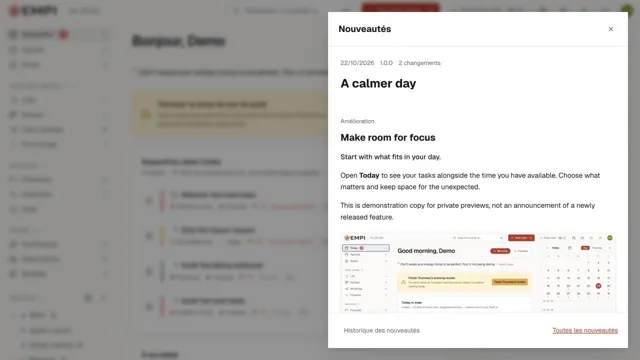
Open What's new from the top-right corner to explore the latest release.